How to Download Facebook Videos Online Free in 2026 — HD Quality, No App Needed
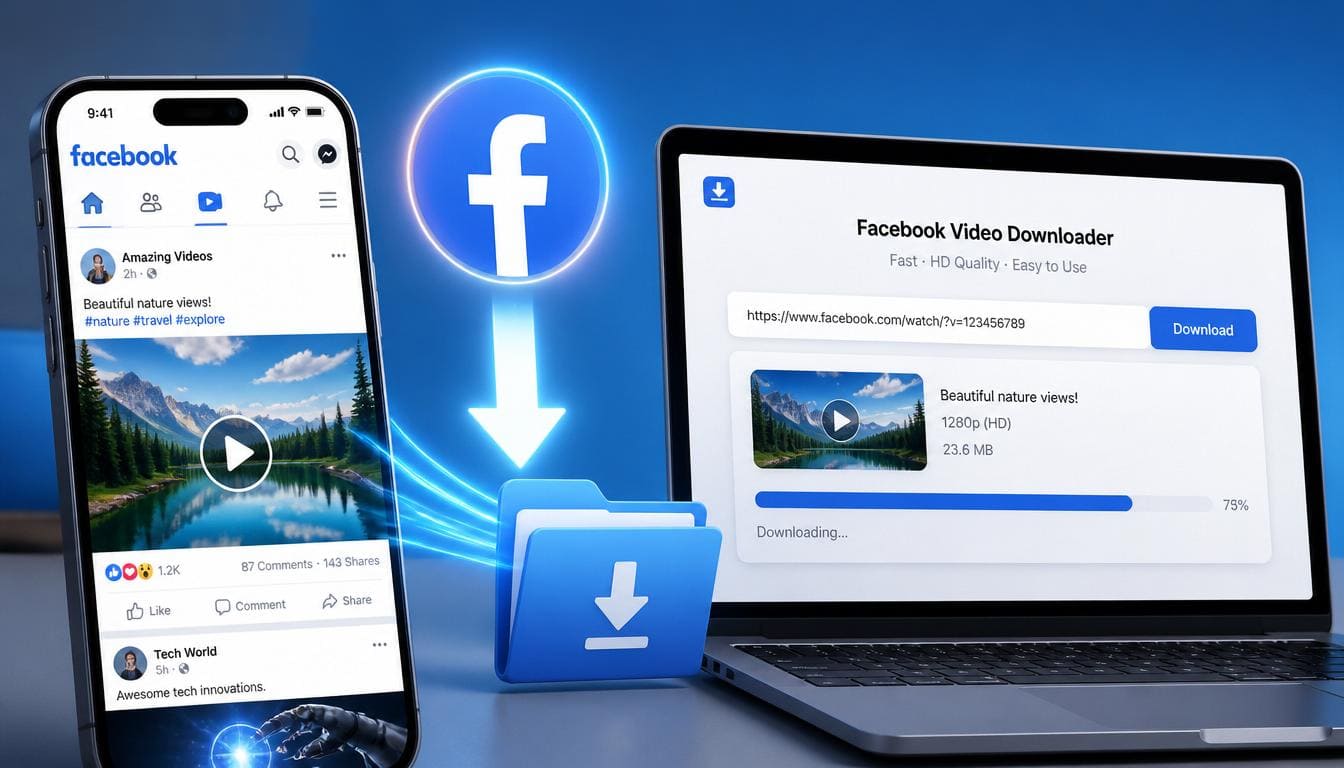
Facebook is one of the largest video-sharing platforms in the world, with billions of videos uploaded every month. Whether it's a funny clip shared by a friend, an important live stream, a cooking tutorial, or a news segment — there are countless reasons you might want to download Facebook videos for offline viewing.
The problem? Facebook doesn't offer a built-in download button for most videos. That's where a free online Facebook video downloader comes in.
In this complete guide, you'll learn exactly how to download Facebook videos online free in HD quality — no app installation, no sign-up, and no watermark.
Why Download Facebook Videos?
Before we dive into the how-to, here are the most common reasons people want to save Facebook videos:
How to Download Facebook Videos Online Free — Step by Step
Downloading Facebook videos is incredibly simple with SaveTheVid. Here's how to do it in under 30 seconds:
Step 1: Copy the Facebook Video URL
Open Facebook in your browser or app. Find the video you want to download. Tap the three dots (⋯) menu on the video post and select "Copy link". Alternatively, you can copy the URL directly from your browser's address bar.
Step 2: Paste the URL on SaveTheVid
Visit our free online video downloader. You'll see a text field at the top of the page. Paste the Facebook video URL you just copied.
Step 3: Choose Your Quality
Select your preferred format and quality. We recommend MP4 1080p for the best balance of quality and file size. Options include:
Step 4: Download Your Video
Click the download button. Your Facebook video will be processed and ready to save in seconds. The file downloads directly to your device — no redirects, no waiting.
Download Facebook Videos on iPhone and Android
Our online Facebook video downloader works perfectly on mobile devices:
On iPhone (iOS):
1. Open the Facebook app and copy the video link
2. Open Safari and go to SaveTheVid
3. Paste the link and tap Download
4. The video saves to your Files app or Camera Roll
On Android:
1. Copy the video link from the Facebook app
2. Open Chrome and visit SaveTheVid
3. Paste the URL and tap Download
4. Find your video in the Downloads folder
No app installation required — everything works directly in your mobile browser.
Can You Download Facebook Live Videos?
Yes! Once a Facebook Live stream has ended and is saved as a video on the page or profile, you can download it using the same method. Simply copy the link to the saved live video and paste it into SaveTheVid.
Can You Download Private Facebook Videos?
For privacy and security reasons, our tool only works with public Facebook videos. If a video is set to "Friends only" or "Only me," it cannot be accessed by external tools. You can only download videos that are publicly accessible.
Tips for Downloading Facebook Videos in Best Quality
Is It Legal to Download Facebook Videos?
Downloading Facebook videos for personal, offline viewing is generally acceptable. However, you should:
Why Use SaveTheVid for Facebook Video Downloads?
Frequently Asked Questions
How do I download a Facebook video to my computer?
Copy the video URL from Facebook, paste it into SaveTheVid, select your quality, and click download. The video file will save directly to your computer.
Can I download Facebook videos without an app?
Absolutely. SaveTheVid is a web-based tool that works in any browser. No app or software installation is needed.
What format are downloaded Facebook videos in?
Videos are downloaded in MP4 format, which is compatible with virtually every device and media player.
Is there a limit to how many videos I can download?
No. You can download as many Facebook videos as you want, completely free.
Start Downloading Facebook Videos Now
Stop losing access to your favorite Facebook videos. With SaveTheVid, you can save any public Facebook video to your device in seconds — free, fast, and in HD quality.