Twitter Video Downloader — Save X/Twitter Videos Online Free in HD (2026)
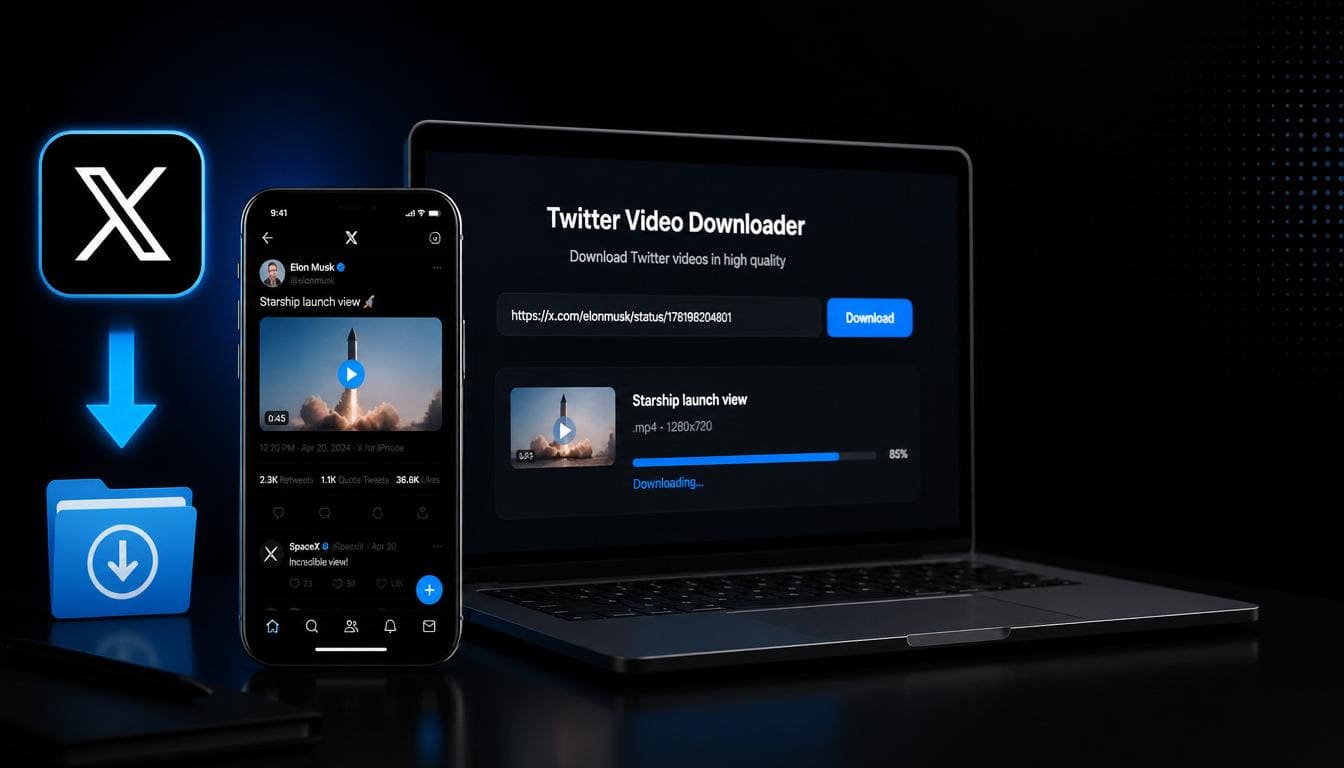
Twitter (now X) is full of viral video content — breaking news clips, sports highlights, funny moments, educational threads with video, and much more. But Twitter doesn't provide a download button for videos in tweets.
With SaveTheVid, you can download any Twitter video in HD quality — free, instant, and without creating an account.
How to Download Twitter/X Videos
Step 1: Copy the Tweet Link
Find the tweet containing the video you want to download. Tap the Share icon (arrow) and select "Copy Link". Or copy the URL from your browser's address bar.
The URL looks like: twitter.com/username/status/1234567890 or x.com/username/status/1234567890
Step 2: Paste on SaveTheVid
Go to SaveTheVid in your browser. Paste the tweet URL into the download field.
Step 3: Download the Video
Select your preferred quality and click Download. Your Twitter video will be saved to your device in seconds.
Download Twitter Videos on iPhone
1. Open the Twitter/X app
2. Find the tweet with the video
3. Tap Share → Copy Link
4. Open Safari → go to SaveTheVid
5. Paste and download
6. Save to Camera Roll or Files
Download Twitter Videos on Android
1. Open Twitter/X and find the video tweet
2. Tap Share → Copy Link
3. Open Chrome → visit SaveTheVid
4. Paste the link and download
5. Find in Downloads folder
Download Twitter Videos on Desktop
1. Open Twitter/X in your browser
2. Click on the tweet with the video
3. Copy the URL from the address bar
4. Go to SaveTheVid, paste, and download
Download Twitter GIFs
Twitter GIFs are actually short video files (MP4). You can download them the same way:
1. Find the tweet with the GIF
2. Copy the tweet link
3. Paste on SaveTheVid
4. Download as MP4
The "GIF" will be saved as a short MP4 video file that loops.
Download Twitter Spaces Audio
If a Twitter Space has been recorded and shared as a tweet, you can download the audio:
1. Copy the Space/tweet link
2. Paste on SaveTheVid
3. Select MP3 format
4. Download the audio
Twitter Video Quality Options
Tips for Downloading Twitter Videos
Can You Download Twitter DM Videos?
No. Direct Message content is private and cannot be accessed by external tools. Only public tweet videos can be downloaded.
Can You Download Twitter Live Videos?
Once a Twitter/X Live stream ends and is saved as a tweet, you can download it using the same method. Live streams in progress cannot be downloaded.
Why Use SaveTheVid for Twitter Videos?
Frequently Asked Questions
How do I download a video from a tweet?
Copy the tweet link (tap Share → Copy Link), paste it into SaveTheVid, and click download. The video saves directly to your device.
Can I download Twitter videos without an account?
Yes. You don't need a Twitter/X account to use SaveTheVid. You just need the link to a public tweet.
Why can't I download some Twitter videos?
Some videos may be from protected (private) accounts, or the tweet may have been deleted. Our tool only works with public, accessible tweets.
What format are Twitter video downloads?
Videos are downloaded in MP4 format, compatible with all devices and media players.
Can I download Twitter videos in 4K?
Twitter compresses videos, so most are available in up to 1080p. If the original was uploaded in higher quality, we'll provide the best available version.
Download Twitter Videos Now
Don't let viral tweets disappear. Save Twitter videos, GIFs, and audio clips in HD — free and instant.