How to Download TikTok Videos Without Watermark — Free TikTok Video Saver (2026)
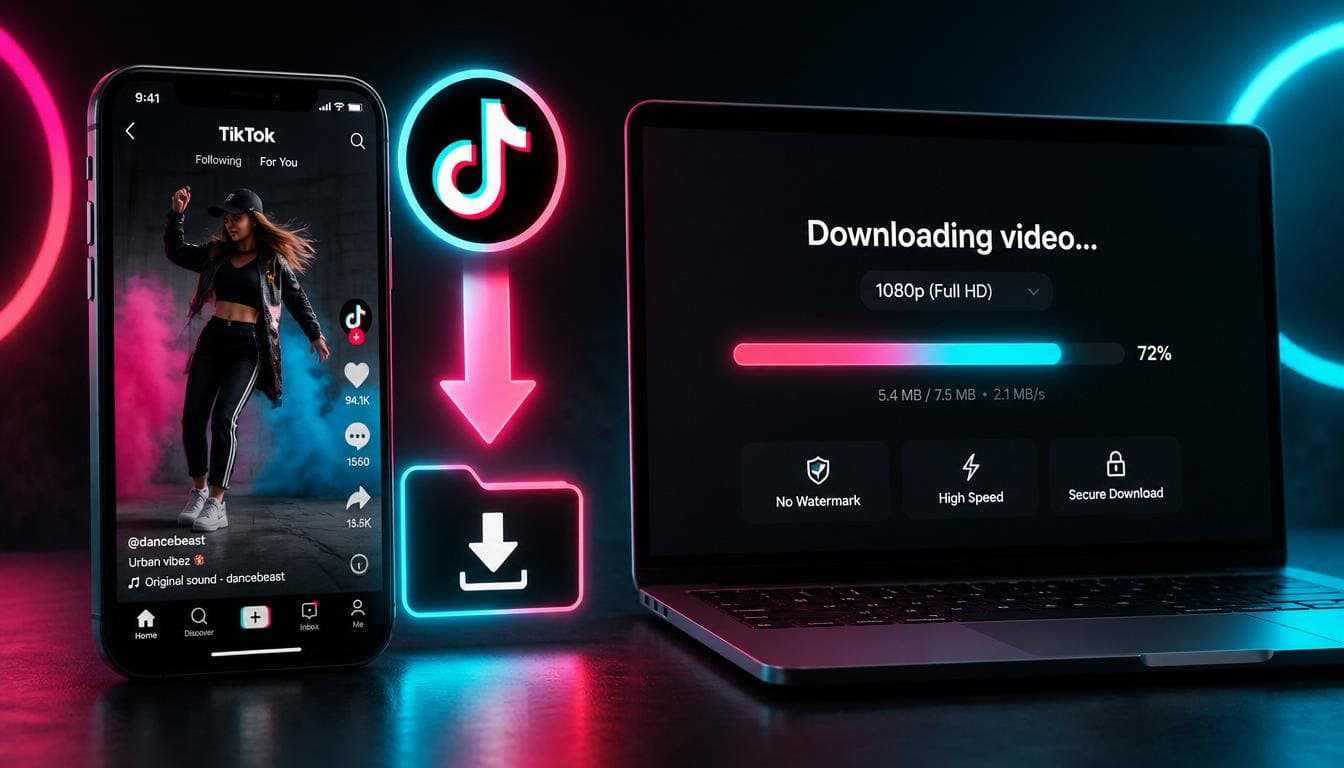
TikTok is the most popular short-form video platform with over 1 billion active users. From viral dances and comedy skits to cooking recipes and life hacks — TikTok has it all. But when you try to save a TikTok video, it comes with a watermark overlay.
With SaveTheVid, you can download TikTok videos without watermark in full HD quality — completely free, no app required.
Why Download TikTok Videos?
How to Download TikTok Videos Without Watermark
Step 1: Copy the TikTok Video Link
Open the TikTok app or website. Find the video you want to save. Tap the Share button (arrow icon) and select "Copy Link".
Step 2: Paste on SaveTheVid
Open your browser and go to SaveTheVid. Paste the TikTok link into the download field.
Step 3: Download Without Watermark
Select MP4 quality (1080p recommended) and click Download. Your TikTok video will be saved without the TikTok watermark.
Download TikTok Videos on iPhone
1. Open TikTok → find the video → tap Share → Copy Link
2. Open Safari and go to SaveTheVid
3. Paste the link and tap Download
4. Save to your Camera Roll or Files app
Tip: If Safari doesn't download directly, try using the "Save to Files" option.
Download TikTok Videos on Android
1. Open TikTok → tap Share → Copy Link
2. Open Chrome and visit SaveTheVid
3. Paste the URL and tap Download
4. Find the video in your Downloads folder or Gallery
Download TikTok Videos on PC/Mac
1. Open TikTok in your web browser (tiktok.com)
2. Find the video and copy the URL from the address bar
3. Go to SaveTheVid, paste the URL
4. Select quality and download
Download TikTok Videos Without the App
You don't need to install any app to download TikTok videos. SaveTheVid works entirely in your web browser:
Can You Download Private TikTok Videos?
No. Our tool only works with public TikTok videos. If a user has set their account to private, their videos cannot be accessed by external tools.
Can You Download TikTok Live Videos?
TikTok Live streams cannot be downloaded while they're happening. However, if the creator saves the live stream as a video on their profile, you can download it using the same method.
Download TikTok Audio/Sound
Want just the audio from a TikTok video? Select MP3 format:
1. Copy the TikTok video link
2. Paste on SaveTheVid
3. Choose MP3 from the format dropdown
4. Download the audio file
Great for saving trending sounds, music, and audio clips.
Tips for Downloading TikTok Videos
Is It Safe to Download TikTok Videos?
Using SaveTheVid is completely safe:
Frequently Asked Questions
How do I remove the TikTok watermark?
Simply use SaveTheVid to download the video. Our tool automatically provides the video without the TikTok watermark overlay.
Can I download TikTok videos without an account?
Yes. You don't need a TikTok account to use SaveTheVid. You just need the link to a public video.
What quality are TikTok video downloads?
TikTok videos are typically 1080x1920 (vertical HD). Our tool downloads them in their original uploaded quality.
Can I download TikTok slideshows?
Yes, TikTok photo slideshows with music can be downloaded as video files.
Is downloading TikTok videos legal?
Downloading for personal use is generally acceptable. Don't re-upload others' content as your own or use it commercially without permission.
Download TikTok Videos Now
Save your favorite TikTok videos without watermark — free, fast, and in HD quality. No app needed.