How to Download Instagram Videos, Reels & Stories Online Free (2026 Guide)
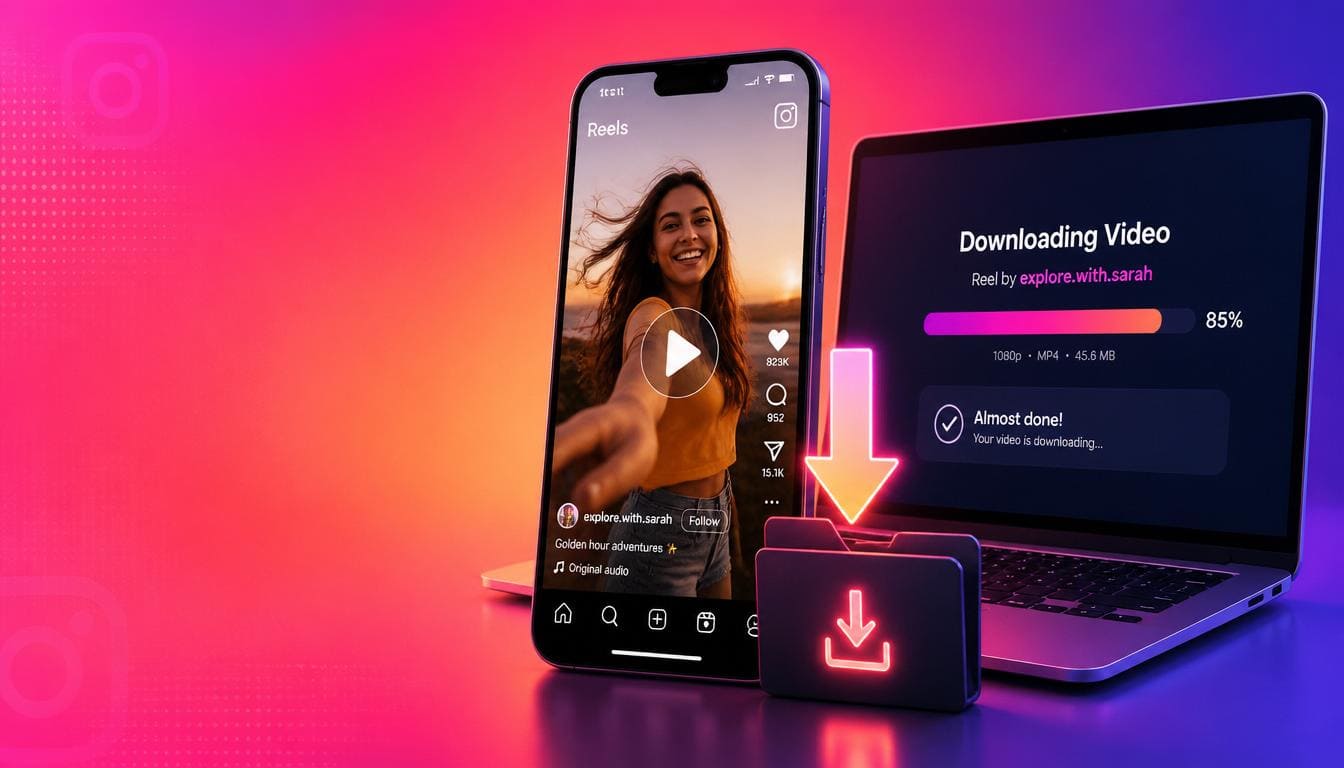
Instagram is packed with incredible video content — from short-form Reels and disappearing Stories to longer IGTV videos and feed posts. But Instagram doesn't provide a native download option for most content, making it frustrating when you want to save a video for later.
Whether you want to download Instagram Reels, save a Story before it disappears, or keep a feed video for offline viewing, this guide covers everything you need to know about downloading Instagram videos online for free.
Why Download Instagram Videos?
How to Download Instagram Videos — 3 Simple Steps
Step 1: Copy the Instagram Video Link
For Feed Posts and Reels:
1. Open the Instagram app or website
2. Go to the video, Reel, or post you want to download
3. Tap the three dots (⋯) in the top right corner
4. Select "Copy Link"
For Stories:
1. Open the Story you want to save
2. Tap the three dots in the top right
3. Select "Copy Link"
Step 2: Paste the Link
Open SaveTheVid in your browser. Paste the Instagram link into the download field at the top of the page.
Step 3: Download in HD
Select your preferred quality (we recommend 1080p for best results) and click Download. Your Instagram video will be saved to your device in seconds.
Download Instagram Reels Without Watermark
Instagram Reels are the platform's most popular content format. Here's how to save them:
1. Open the Reel in the Instagram app
2. Tap the Share button (paper plane icon)
3. Select "Copy Link"
4. Paste the link on SaveTheVid
5. Download in HD quality
Our tool downloads Reels in their original quality without adding any watermarks to the video.
Download Instagram Stories Before They Disappear
Instagram Stories only last 24 hours. If someone shares something important — a recipe, an announcement, a tutorial — you need to act fast. Here's how:
1. While viewing the Story, tap the three dots
2. Copy the Story link
3. Paste it into SaveTheVid
4. Download and save permanently
Pro tip: You can also download your own Stories in original quality this way, which is better than using Instagram's built-in archive.
Download Instagram Videos on iPhone
Downloading Instagram videos on iPhone is straightforward:
1. Copy the video link from Instagram
2. Open Safari and go to SaveTheVid
3. Paste the link and select your quality
4. Tap Download
5. The video saves to your Photos app or Files
No third-party app needed — it works directly in Safari or Chrome on iOS.
Download Instagram Videos on Android
Android makes it even easier:
1. Copy the link from the Instagram app
2. Open your browser and visit SaveTheVid
3. Paste the URL and tap Download
4. Find your video in the Downloads folder or Gallery
Download Instagram Videos on PC or Mac
1. Open Instagram in your web browser (instagram.com)
2. Navigate to the video or Reel
3. Right-click and copy the page URL, or click the three dots and copy link
4. Go to SaveTheVid, paste the URL, and download
What Instagram Content Can You Download?
Our free Instagram video downloader supports:
Tips for Best Quality Instagram Downloads
Is It Safe to Download Instagram Videos?
Using SaveTheVid is completely safe:
Can You Download Videos from Private Instagram Accounts?
No. Our tool only works with public Instagram accounts. If an account is set to private, their content is not accessible to external tools. This is by design to respect user privacy.
Frequently Asked Questions
How do I download Instagram Reels to my phone?
Copy the Reel link from Instagram, paste it into SaveTheVid in your mobile browser, and tap download. The video saves directly to your phone.
Can I download Instagram videos without an account?
Yes. You don't need an Instagram account to use SaveTheVid. You just need the link to a public video.
What quality are Instagram video downloads?
Videos are downloaded in their original uploaded quality, typically 1080p for Reels and feed videos.
Do downloaded Instagram videos have a watermark?
No. Videos downloaded through SaveTheVid come without any watermark.
Can I download someone's Instagram Story?
Yes, as long as the account is public. Copy the Story link and paste it into our tool.
Download Instagram Videos Now
Don't let your favorite Instagram content disappear. Save Reels, Stories, and videos in HD quality — free, fast, and without any app.