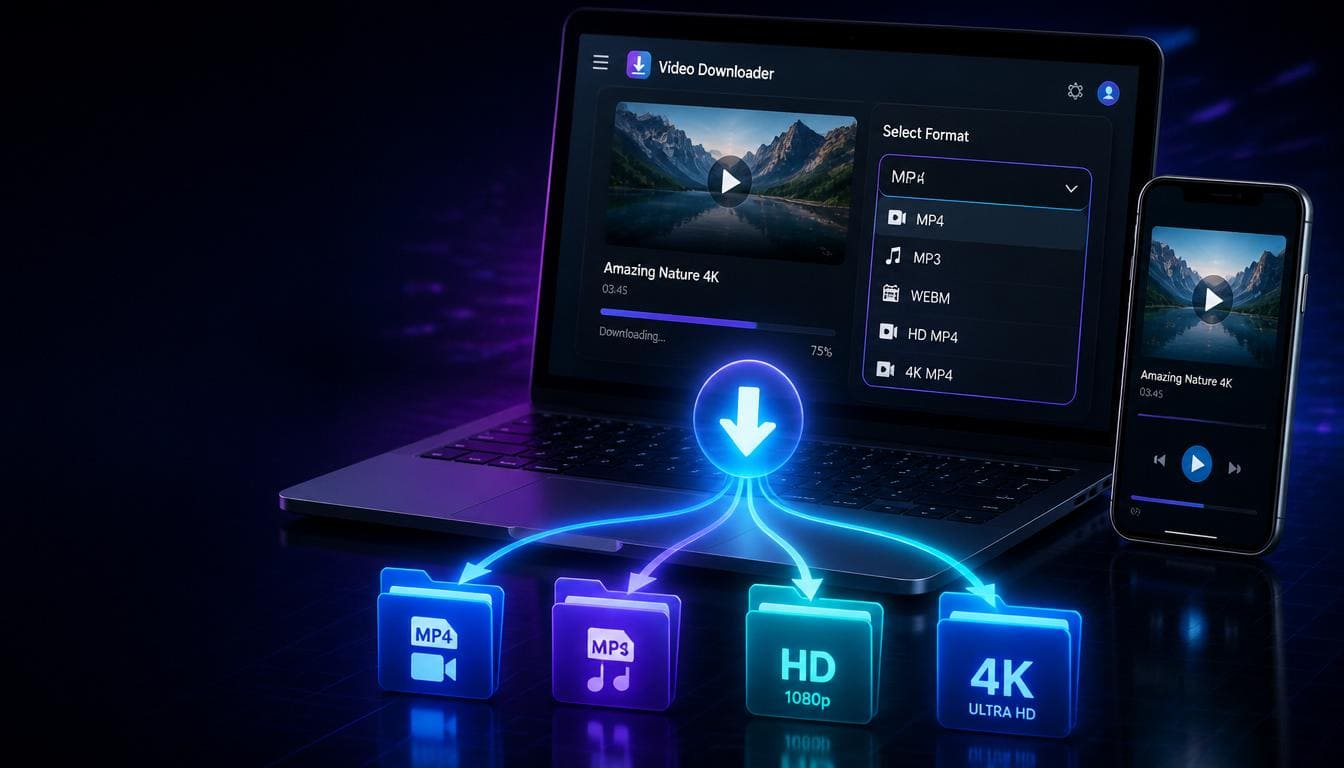
Not every video download is the same. Sometimes you need a high-quality MP4 for your TV. Other times you just want the audio as an MP3 for your playlist. Maybe you need a lossless FLAC file for professional work, or a tiny OGG file to save storage.
SaveTheVid supports 14 different download formats — giving you complete control over how you save your videos. This guide explains every format we offer and helps you choose the right one for your needs.
All Supported Download Formats
Video Formats
MP4 1080p (Full HD)
Resolution: 1920×1080Best for: Watching on TVs, monitors, and tabletsCompatibility: Plays on every deviceFile size: ~150-300MB per hour of videoMP4 720p (HD)
Resolution: 1280×720Best for: Mobile viewing, sharing with friendsCompatibility: UniversalFile size: ~80-150MB per hourMP4 480p (Standard Definition)
Resolution: 854×480Best for: Saving storage space, slower connectionsCompatibility: UniversalFile size: ~40-80MB per hourMP4 360p (Low Quality)
Resolution: 640×360Best for: Minimal storage use, preview purposesCompatibility: UniversalFile size: ~20-40MB per hourMP4 1440p (Quad HD)
Resolution: 2560×1440Best for: High-end monitors, detailed contentCompatibility: Most modern devicesFile size: ~400-700MB per hourWEBM 4K (Ultra HD)
Resolution: 3840×2160Best for: 4K displays, maximum qualityCompatibility: Modern browsers and playersFile size: ~800MB-1.5GB per hourAudio Formats
MP3 (Most Popular Audio)
Quality: Up to 320kbpsBest for: Music, podcasts, general audioCompatibility: Every device and playerFile size: ~1MB per minute at 128kbpsM4A (Apple Audio)
Quality: AAC codec, superior to MP3 at same bitrateBest for: iPhone, iPad, iTunes, Apple MusicCompatibility: Apple devices, most modern playersFile size: ~1MB per minuteWebM Audio
Quality: Opus or Vorbis codecBest for: Web applications, streamingCompatibility: Modern browsersFile size: ~0.7MB per minuteAAC (Advanced Audio Coding)
Quality: Better than MP3 at lower bitratesBest for: Streaming, mobile devicesCompatibility: Wide supportFile size: ~0.9MB per minuteFLAC (Lossless Audio)
Quality: Lossless — identical to originalBest for: Audiophiles, music production, archivingCompatibility: Most modern playersFile size: ~5MB per minute (much larger, but perfect quality)OPUS (Modern Codec)
Quality: Excellent at low bitratesBest for: Voice, music streaming, VoIPCompatibility: Modern browsers and appsFile size: ~0.5MB per minuteOGG (Open Source Audio)
Quality: Vorbis codec, good compressionBest for: Linux, open-source applications, gamingCompatibility: Most players except older Apple devicesFile size: ~0.8MB per minuteWAV (Uncompressed Audio)
Quality: Uncompressed — studio qualityBest for: Audio editing, music production, professional useCompatibility: UniversalFile size: ~10MB per minute (largest format)How to Choose the Right Format
For Watching Videos
**Best quality:** WEBM 4K or MP4 1440p**Recommended:** MP4 1080p (best balance)**Save space:** MP4 720p or 480pFor Listening to Music
**Best quality:** FLAC or WAV (lossless)**Recommended:** MP3 or M4A (great quality, small files)**Smallest files:** OPUS or OGGFor Specific Devices
**iPhone/iPad:** M4A for audio, MP4 for video**Android:** MP3 for audio, MP4 for video**Windows PC:** Any format works**Mac:** M4A or MP4 preferred**Linux:** OGG, OPUS, or WebMFor Professional Use
**Video editing:** MP4 1080p or 4K**Audio production:** WAV or FLAC**Podcasting:** MP3 at 128-192kbps**Music archiving:** FLACHow to Download in Your Preferred Format
1. Copy the video URL from any supported platform
2. Paste it into SaveTheVid
3. Click the format dropdown and select your desired format
4. Click Download
It's that simple — one tool, 14 formats, unlimited downloads.
Format Comparison Table
Video Quality Ranking (best to lowest):
WEBM 4K → MP4 1440p → MP4 1080p → MP4 720p → MP4 480p → MP4 360pAudio Quality Ranking (best to lowest):
WAV (lossless) → FLAC (lossless) → M4A → AAC → MP3 → OPUS → OGG → WebMFile Size (smallest to largest):
OPUS → OGG → WebM → MP3 → AAC → M4A → FLAC → WAVFrequently Asked Questions
Which format should I choose for the best quality?
For video, choose MP4 1080p or WEBM 4K. For audio, choose FLAC or WAV for lossless quality, or M4A/MP3 for a good balance of quality and file size.
What's the difference between MP3 and M4A?
M4A uses the AAC codec which provides better audio quality than MP3 at the same file size. MP3 has wider compatibility with older devices.
Can I convert between formats after downloading?
Yes, but it's better to download in your desired format directly. Converting after download can reduce quality.
Which audio format is best for music?
For casual listening, MP3 or M4A. For audiophile quality, FLAC. For music production, WAV.
Do all videos support all formats?
Most videos can be downloaded in any format. The tool automatically converts to your selected format during processing.
Download in Any Format Now
Whether you need crystal-clear 4K video or a tiny MP3 file, SaveTheVid has you covered with 14 different formats. Choose your format and start downloading — free, fast, and unlimited.